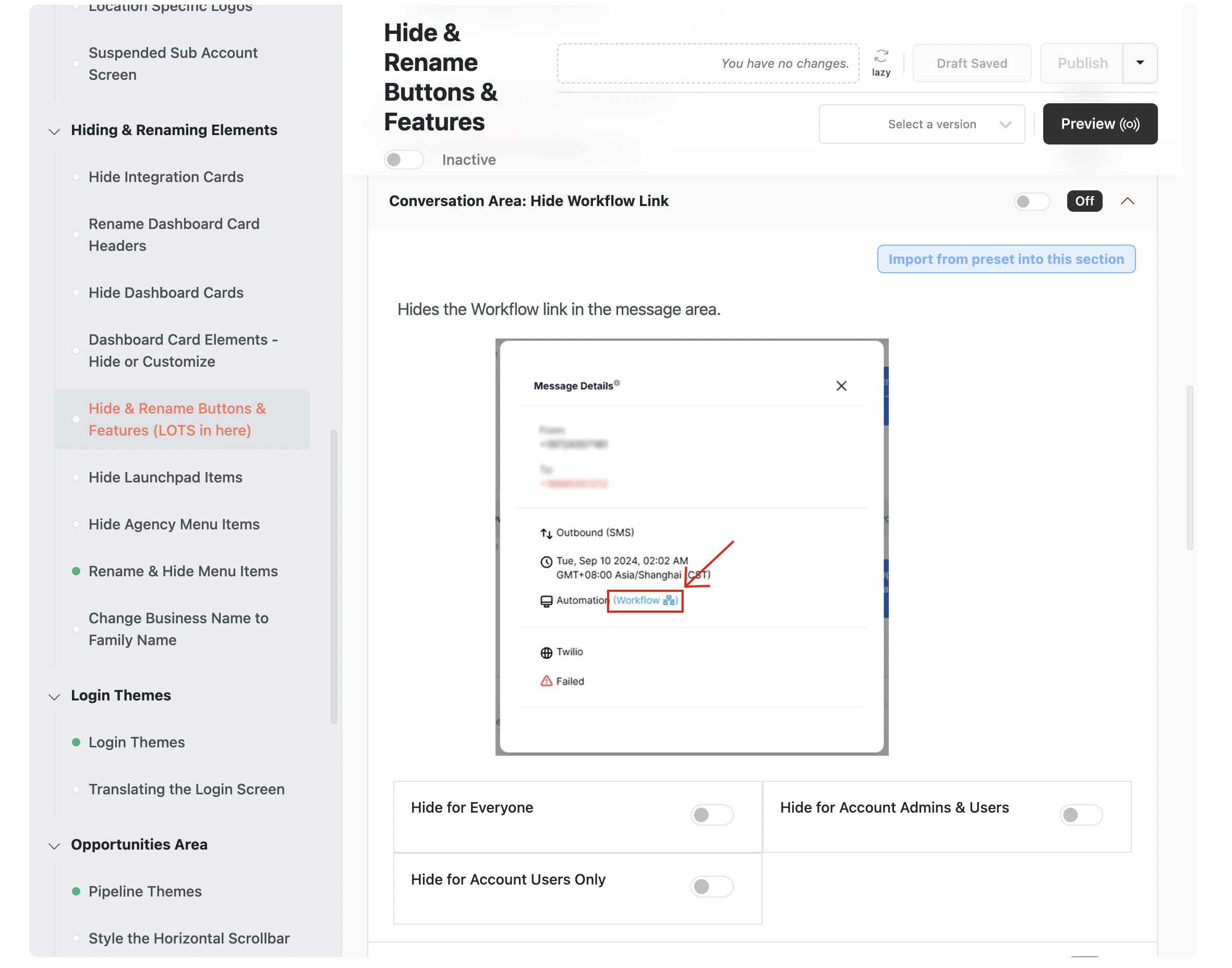
Theme Builder: Hide Workflow Link in Conversation Message Details
We've added the ability to hide the Workflow link within the Conversation Message Details.
Why we made this:
Before, even if you hid the Automations Menu Item, or hid Workflows, users could still access Workflows by opening a Conversation Message Detail if the message was sent via a Workflow.
To get started:
Open the Theme Builder and scroll down until you get to "Hide & Rename Buttons & Features (LOTS in here)". Then scroll down the main window until you see "Conversation Area: Hide Workflow Link"