Privacy Mode is now free
Privacy Mode is one of the most requested features in The Marketer's Toolkit, now available free to the HighLevel community.
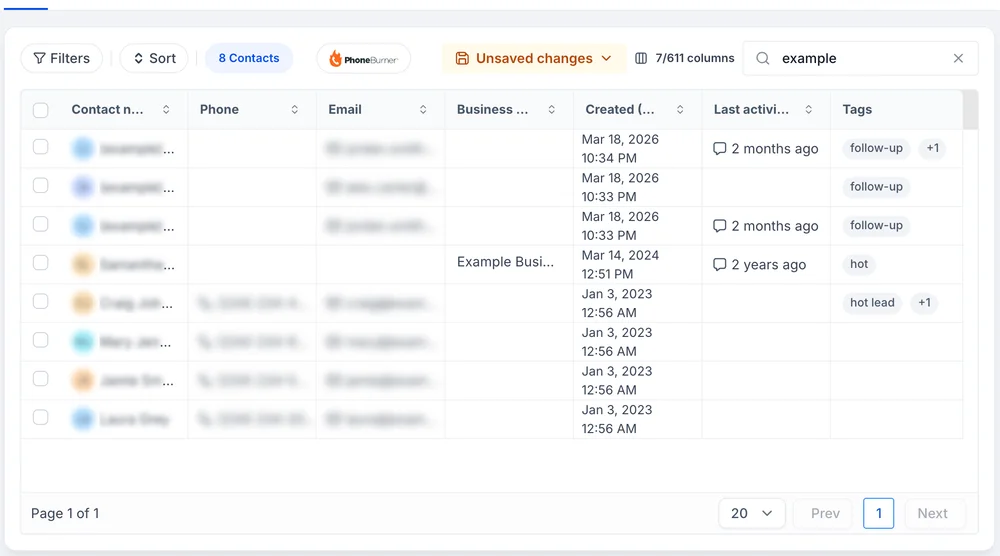
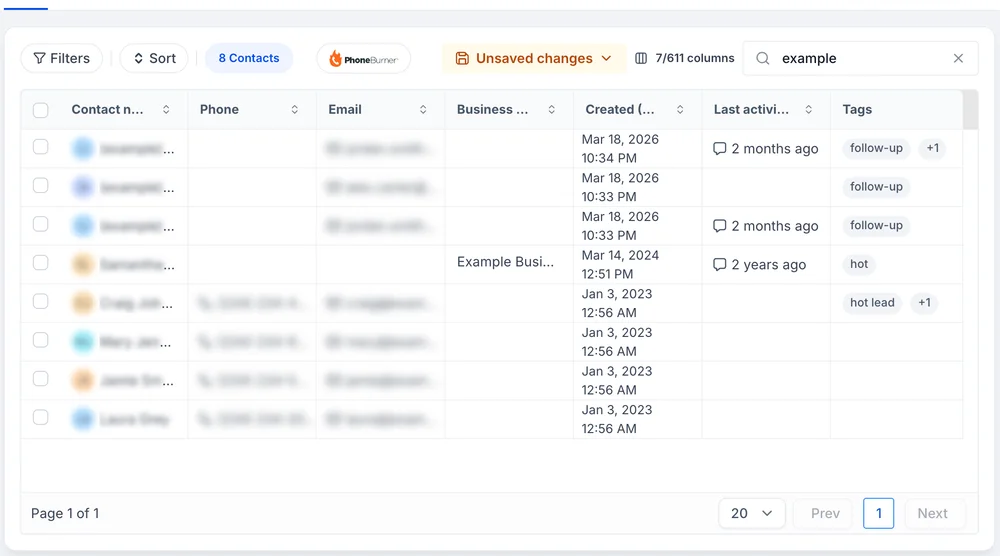
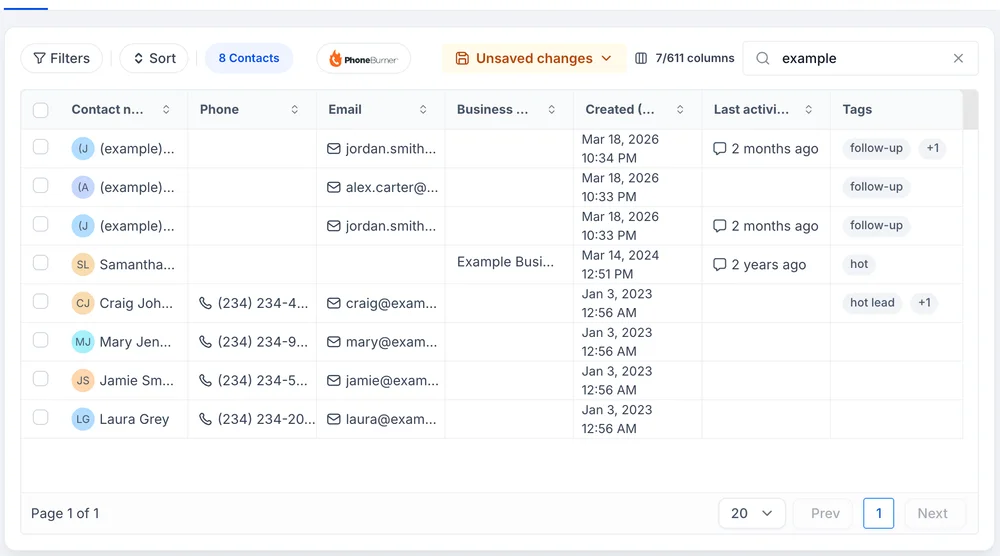
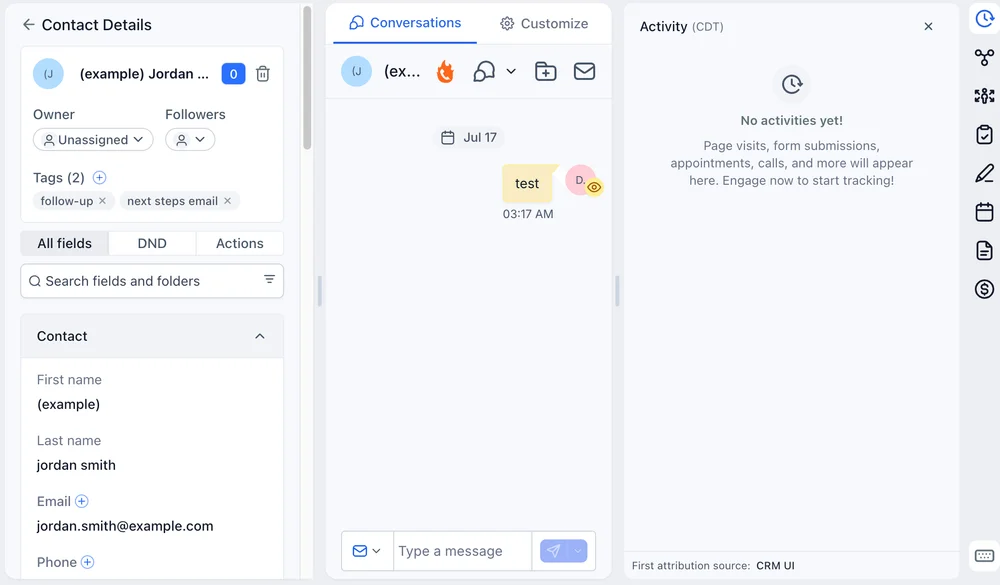
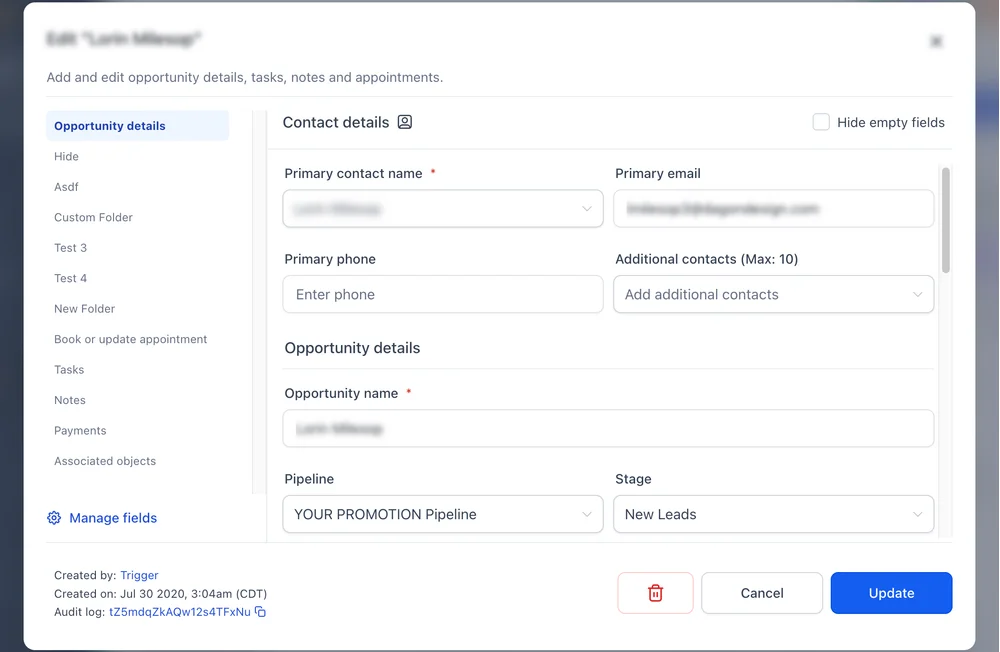
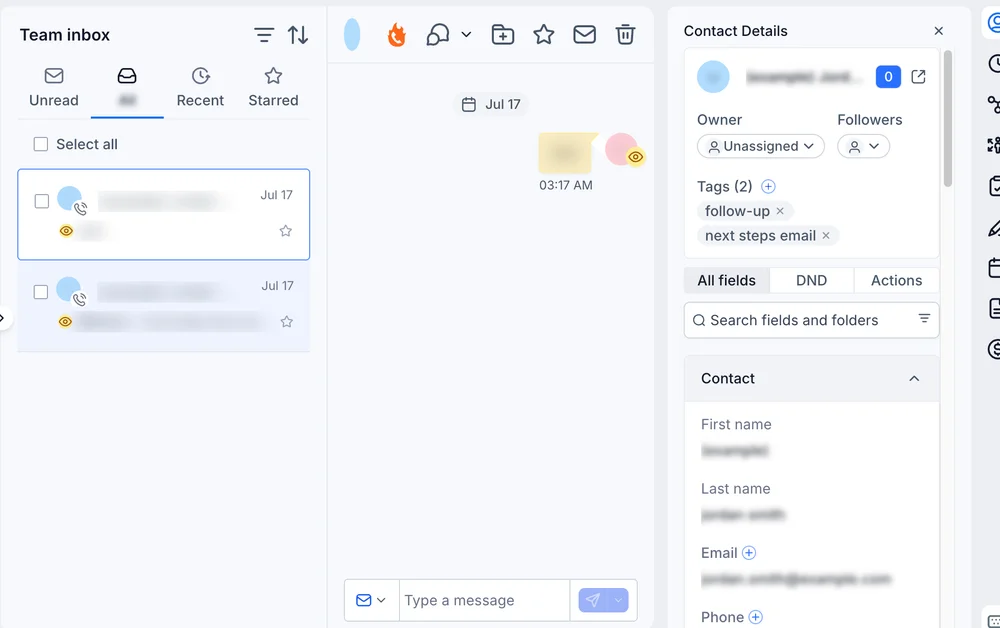
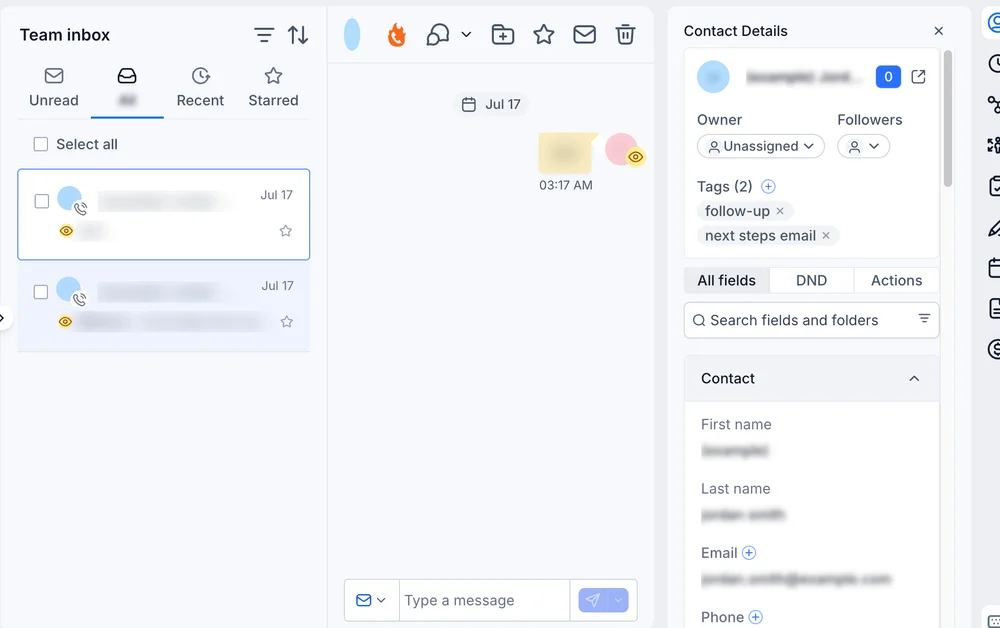
Blur contact and opportunity details on screen during live CRM demos and screen sharing. Turn Privacy Mode on or off from the user menu, or press Control+Shift+H. The app applies its blur rules automatically.
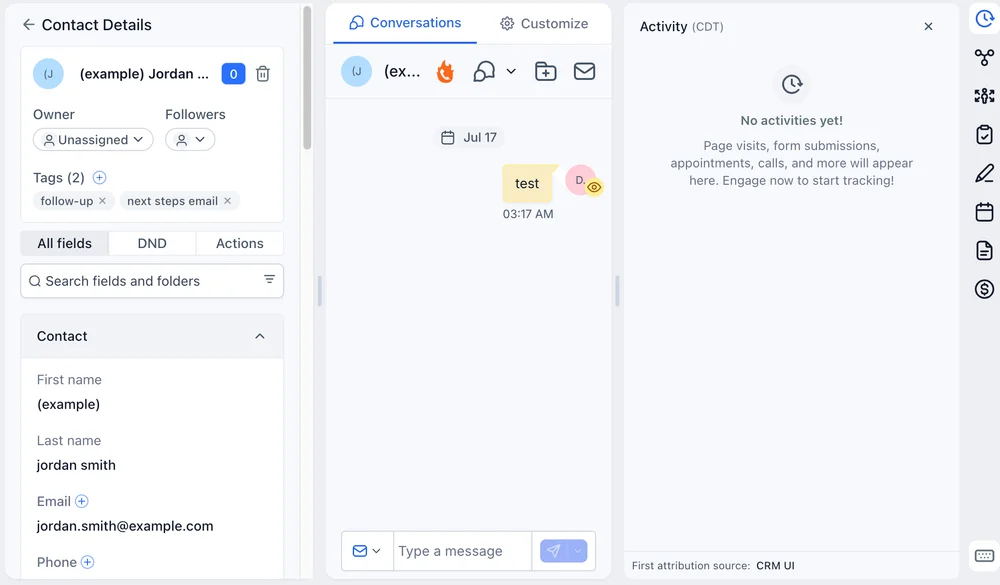
Privacy Mode changes only the display. It does not edit your CRM records. Check each page before sharing your screen because some details may still be visible.
If an area you need blurred is not covered, email support@themarketerstoolkit.com.