Client Portal - Translate
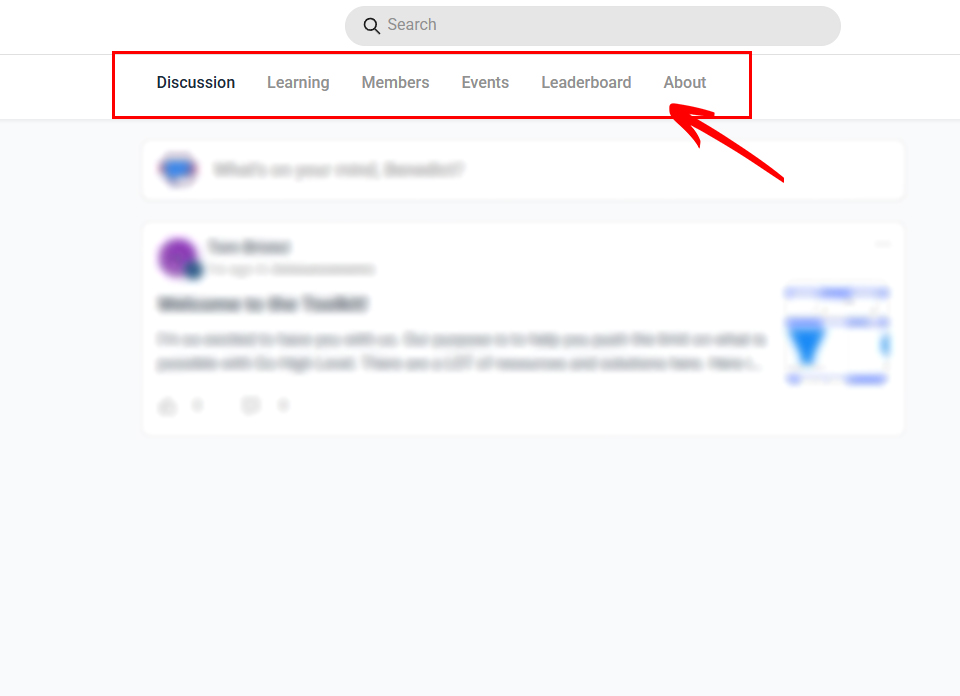
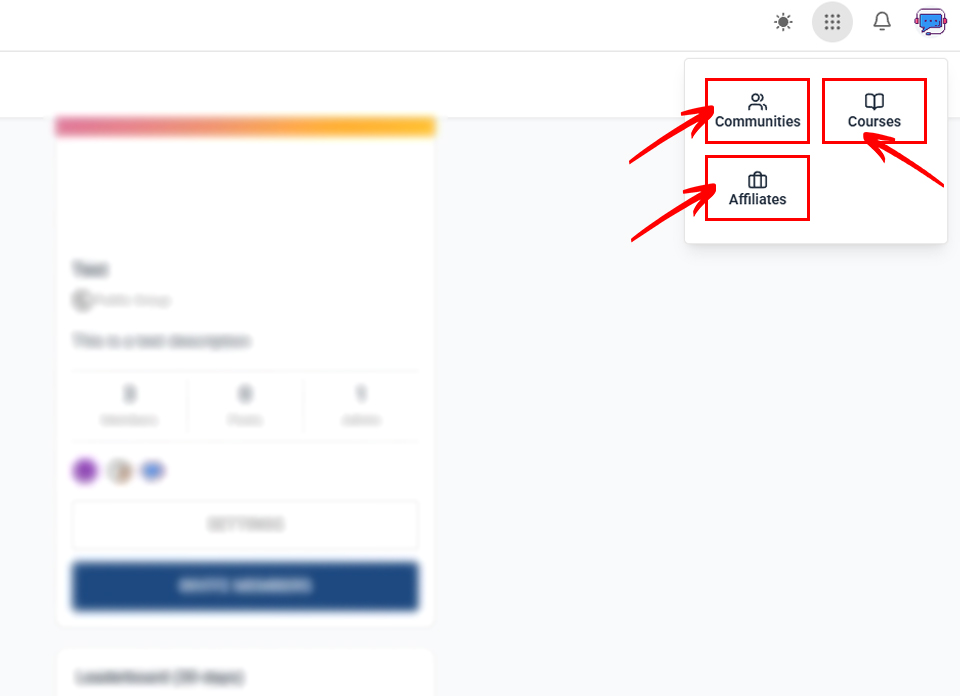
We’ve added more customizations for you to translate the menu items in the Client Portal page!
NOTE: To access the Client Portal - Translate solution, you must be on the Toolkit Agency Membership or the Full Toolkit Membership. You can upgrade your account here.
Getting Started:
Login to your Toolkit account and go to the Solution Library > Client Portal > and click the "Client Portal - Translate" menu option. Copy the custom code provided on the page and paste it to your Client Portal Settings within your sub account:
- Go to Client Portal Settings > Branding.
- Scroll down to Advanced.
- Paste the code into the Custom CSS area.
If you want to rename/translate a menu item, you just need to change the word in the code, for example, from ‘Learning’ to ‘Courses’.