Check Tag Usage & Refresh on Opportunities
GHL Customizer
Happy Sunday Feature Drop!
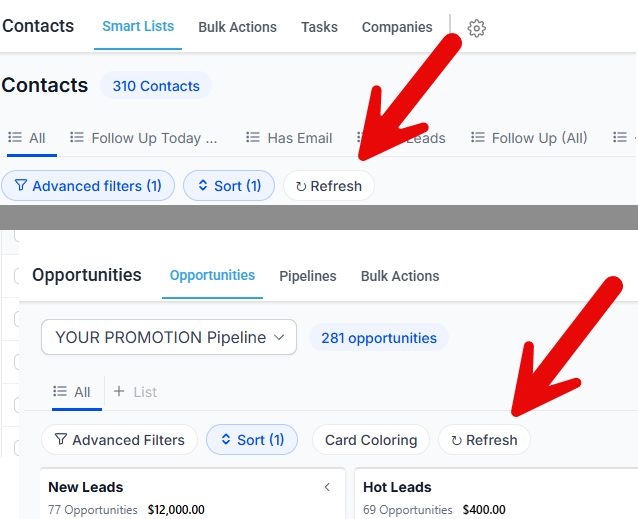
REFRESH BUTTON
A small request from a member, add a Refresh button on the Smart Lists & Opportunities. GHL queues your updates, so it isn't immediately reflected in the Smart List or Opportunity pipeline area causing people to have to do a hard refresh to see the changes.
This new Refresh button in both places lets you just refresh the list or pipeline to see the changes.
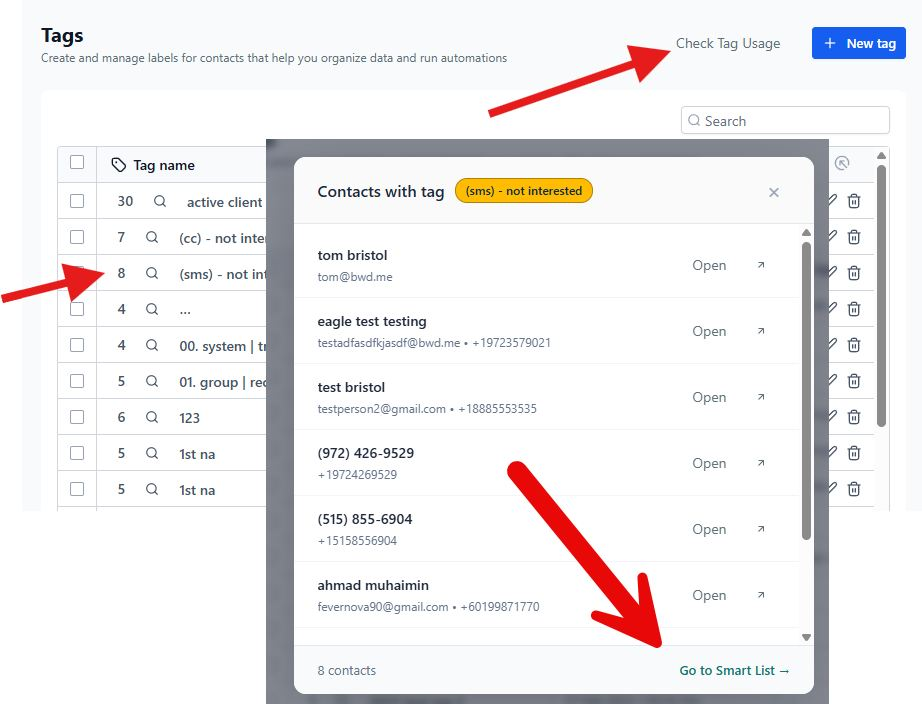
Check Tag Usage
This feature was just waiting to be released. I'd created it awhile back so I could safely delete and manage the tags. Simply click Check Tag Usage in the tag area and it will show you which tags are in use and which are not.
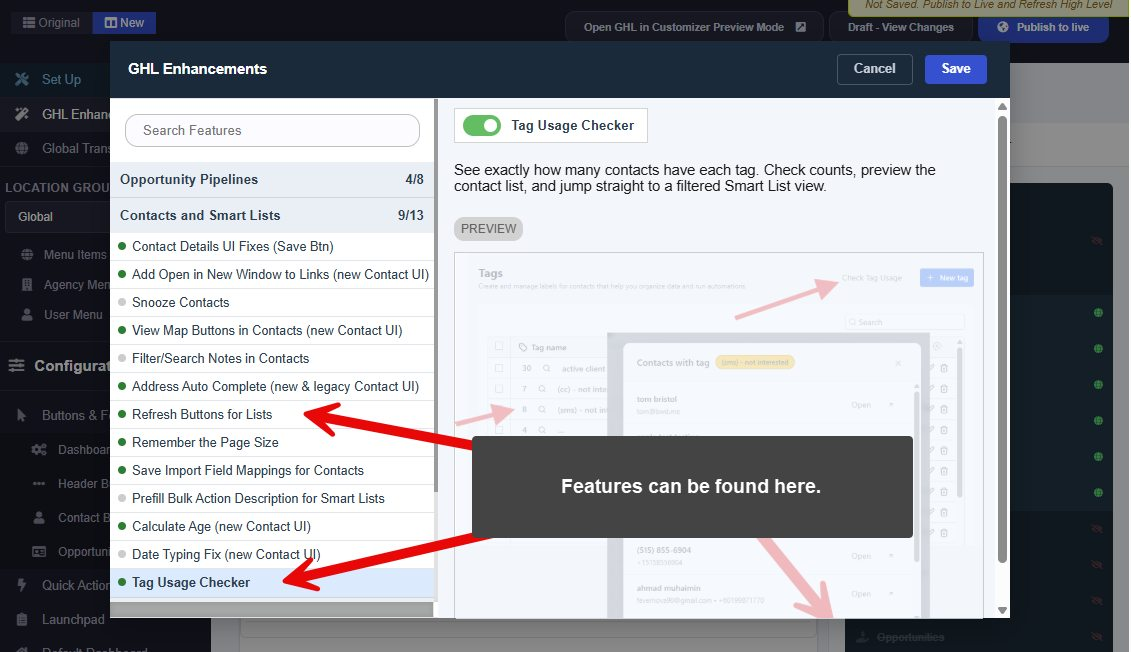
WHERE TO FIND THESE FEATURES
Both are available in the GHL Customizer under GHL Enhancements and Features